
Relive Classic C64 Gaming on iPhone
Is the Commodore 64 app compatible with my iPhone?
The app is designed for iOS devices. Compatibility with specific iPhone models was not specified by the developer.
Can I play games offline?
Yes, once downloaded, the games can be played without an internet connection.
Are there any in-app purchases?
Yes, the app includes a shop with additional games available for micro-purchase prices.
Is the emulator secure to use?
The app is distributed through official app stores and does not require external ROMs, which reduces potential security risks.
How often are updates released?
Updates are released periodically, with the latest version being 2.1 as of April 22, 2024.
Overview
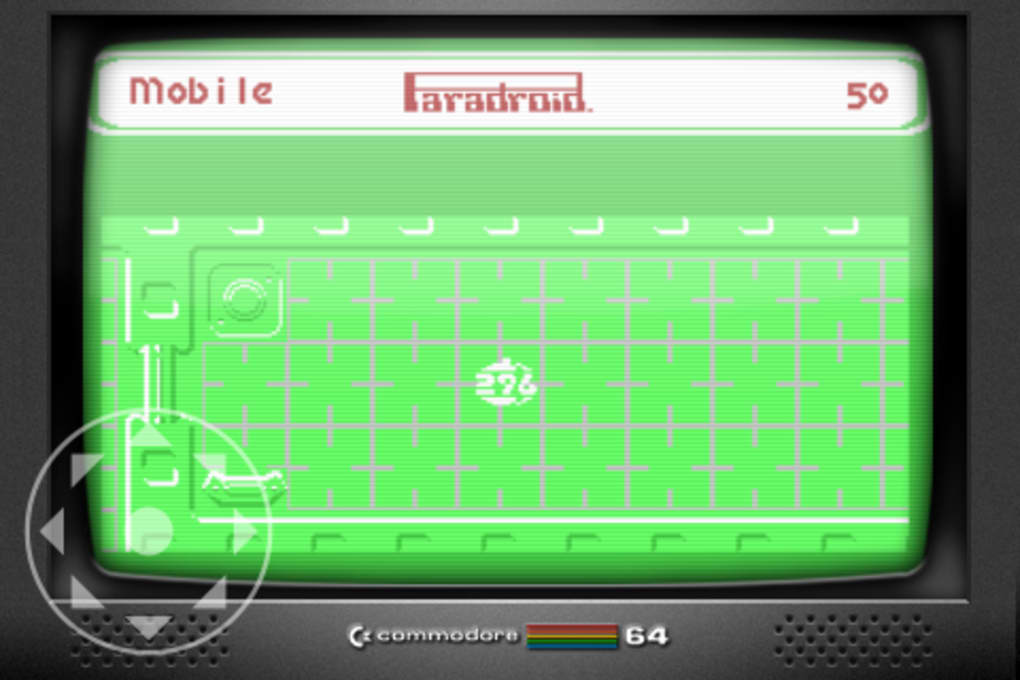
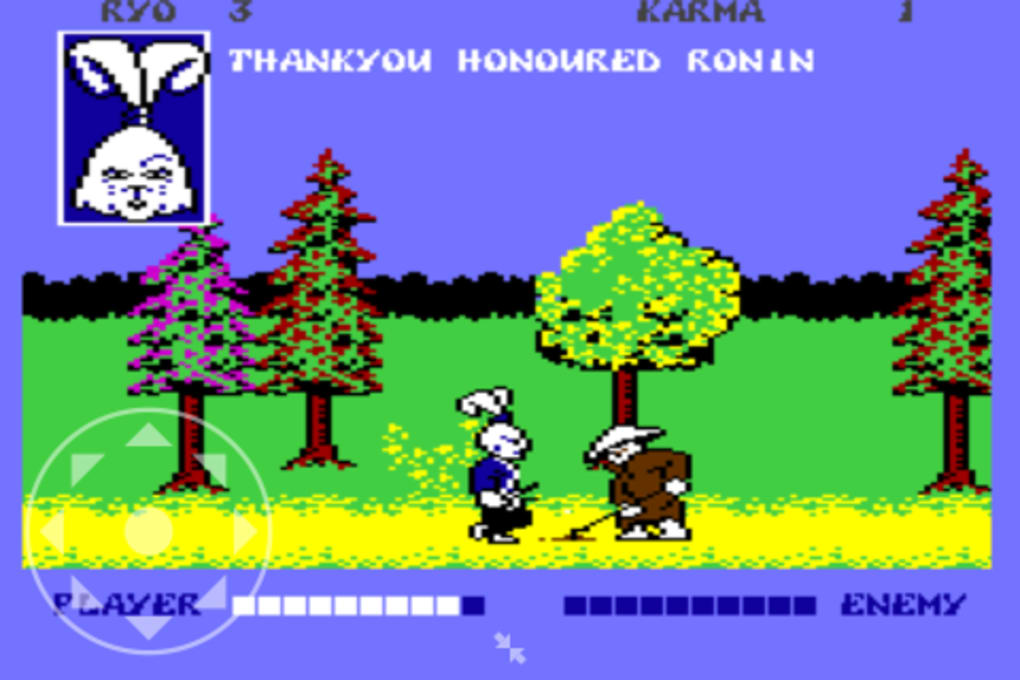
The Commodore 64 app brings the legacy of one of the most iconic home computers of the 1980s to modern iOS devices. Designed as a mobile emulator, it focuses on delivering the classic gaming experience of the original Commodore 64 system. The software allows users to play a curated selection of retro titles directly on their iPhone, leveraging the device’s touchscreen to simulate joystick controls.
The app is particularly suited for nostalgia-driven users who grew up during the golden age of home computing and gaming, as well as younger audiences curious about vintage digital culture. The developer did not provide additional background on their organization or development history. Real-world usage scenarios include casual gaming during downtime, revisiting childhood favorites, or exploring early video game design.
The app’s emphasis on accessibility and authenticity makes it a compelling choice for retro enthusiasts seeking a straightforward way to experience vintage software.
Key Features & Capabilities
- Classic Game Library – Includes eight free games such as Dragon’s Den, Jack Attack, and International Soccer, offering immediate access to well-known titles from the C64 era.
- Extended Game Shop – Offers around 20 additional titles, including Uridium, Armalyte, and Microprose Soccer, available for micro-purchase pricing.
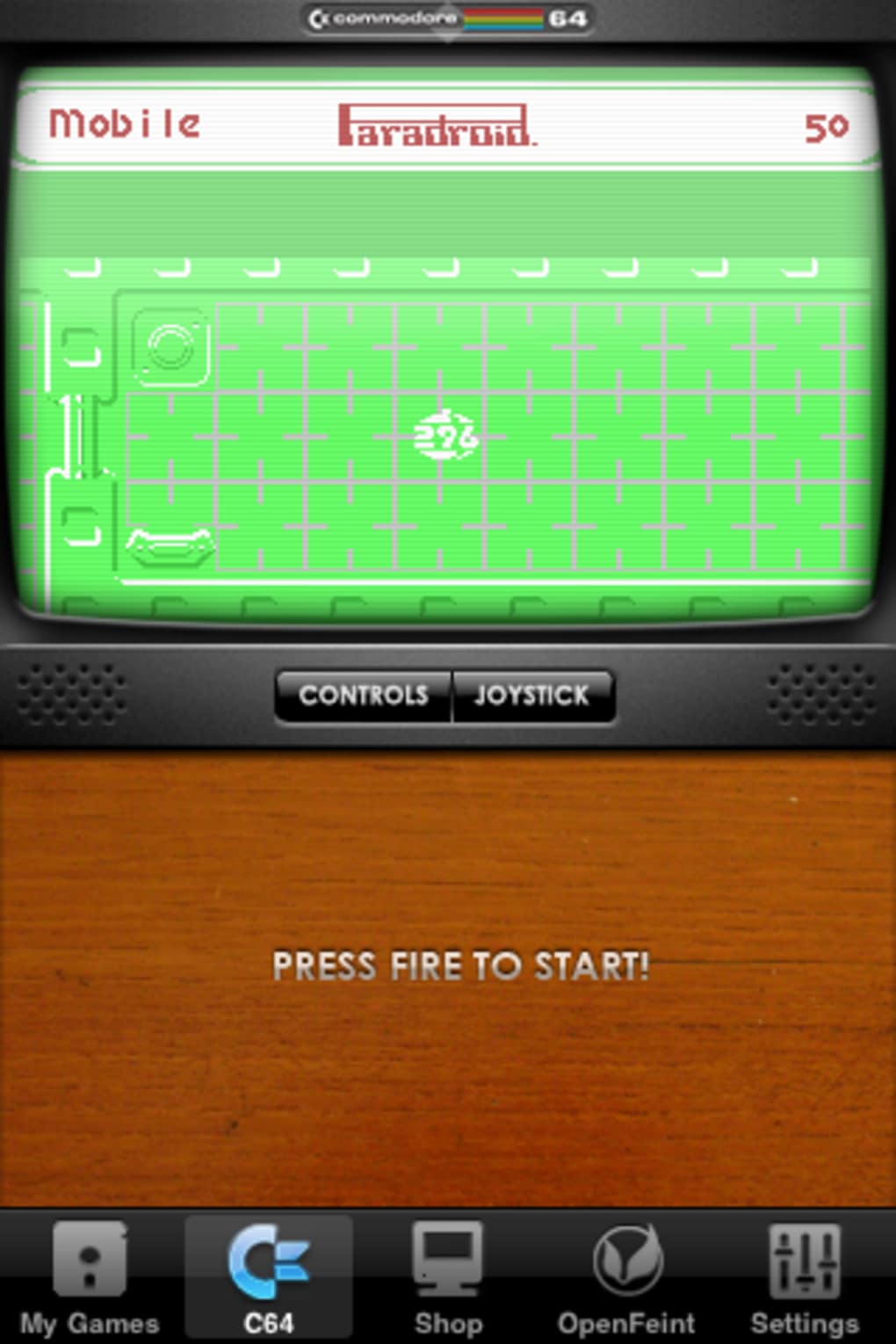
- Touchscreen Joystick Interface – Uses a one-button joystick layout adapted for iOS, enabling intuitive gameplay on touchscreens.
- Nostalgic Visual Style – Renders the emulator in authentic Commodore 64 aesthetics, preserving the look and feel of the original system.
- Basic Mode – Introduced in version 2.1, this mode enhances usability by simplifying access to core functions.
- Regular Updates – Ongoing improvements include bug fixes and interface refinements, ensuring continued stability.
These features enable users to engage with historically significant games without requiring physical hardware or technical setup. The one-button joystick is ideal for quick sessions, while the visual design enhances immersion. The inclusion of both free and purchasable content provides a flexible entry point for users at different engagement levels. The app’s focus on gaming rather than full system emulation means users can concentrate on gameplay, though this limits access to the original startup environment.
User Interface, Workflow & Performance
The user interface is minimalistic and centered around gameplay, with a layout that mimics the original C64’s screen display. Navigation is straightforward, relying on a single menu to access games and settings. The workflow begins with selecting a title from the library, followed by immediate launch into gameplay.
The emulator performs reliably, with no reported issues in core functionality. The developer did not specify resource usage details, but general software behavior suggests efficient operation on modern iOS devices. Stability appears consistent across sessions, with no indication of crashes or freezes in standard use.
The touchscreen controls are functional but require adaptation, particularly for precise movements. While the interface is clean and focused, the absence of customizable control layouts may limit comfort for extended play. Performance observations are based on general software behavior patterns.
Compatibility & System Requirements
The app is designed for iOS devices and requires version 2.1 of the software. The installation size is 136.7 MB, which is typical for apps with embedded game libraries and emulation engines. The developer did not specify exact system requirements, including minimum iOS version or hardware specifications.
Compatibility information was partially provided, indicating support for iOS but not detailing device-specific compatibility. Users should ensure their device meets general iOS app requirements to run the application smoothly. The lack of detailed hardware or OS version details limits precise assessment of compatibility with older or newer devices.
Pros and Cons
Pros
- Authentic retro gaming experience with original C64 titles
- Free access to eight classic games with no ads
- Additional games available via affordable micro-purchases
- Simple, nostalgic interface that matches the original system’s style
- Regular updates with bug fixes and new features like Basic mode
Cons
- Touch controls are not ideal for precise movements
- Limited to gaming; no access to the original startup screen or full system environment
- Exact system requirements were not listed
- Control layout cannot be customized
Final Thoughts + CTA
The Commodore 64 app successfully captures the essence of a landmark system from the 1980s, delivering a streamlined and accessible way to enjoy classic games on modern iOS devices. Its nostalgic design, free initial content, and affordable expansion options make it a standout choice for retro gaming enthusiasts. While the touch controls present a learning curve and the lack of full system emulation restricts functionality, the core experience remains satisfying for fans of vintage software.
The inclusion of Basic mode in version 2.1 reflects ongoing development and user-focused improvements. For those seeking a quick, authentic journey into early home computing history, this app is a must-try. Download Commodore 64 now.







